

Your Screenshots Look Boring.Turn Them Into Sales Demos.
Stop getting ignored. Turn boring screenshots into animated demos that convert visitors into customers.
Drop Any Screenshot Image
Drag & drop your screenshot, or press Ctrl+V to paste instantly.
You Spent 40 Hours Building It.
Don’t Let A Flat Screenshot Kill Your Launch.
Social feeds move at 60 MPH. Flat static PNGs get scrolled past in 0.2 seconds.
The Doomscroll Graveyard
Flat screenshots look like generic ads or bug tickets. 94% of users swipe past without reading your headline.
Just spent 2 weeks shipping our new v2.0 dashboard! Check it out 👇
The Keyframing Nightmare
Slicing layers in Figma, fighting complex Bézier curves in Premiere, or paying $400 for a 5-second video.
The Accidental Data Leak
Drawing messy black marker rectangles in MS Paint or Preview leaves API keys and customer emails exposed.
Every Pro Capability. Zero Timeline Keyframes.
Select any capability on the left to slide through live interactive simulations, automated keyframing, and studio workflows.
3D Exploded Depth & Multi-Plane Camera
Isolates headers, metric cards, and charts in separate depth layers that orbit dynamically as the camera sweeps.
Simple Tools That Make Your Screenshots Shine
Pick a tool below to see how easy it is to make your screenshots look professional. No video editing experience needed.
Smart Zoom & Focus
Automatically zoom in on important buttons, numbers, or features to grab attention.
Highlight & Spotlight
Draw circles, highlights, or spotlights around key features to make them stand out.
Blur & Hide Sensitive Data
Easily blur out passwords, emails, or any private information with a simple drag.
Animated Clicks & Taps
Add realistic cursors and click animations to guide viewers through your interface.
Text & Stickers
Add fun text callouts, badges like "NEW!" or "10x FASTER" to highlight key features.
Phone & Browser Frames
Wrap your screenshots in iPhone or Safari browser frames for a professional presentation.
From Static Capture to Smooth Video. In 3 Simple Steps.
No timelines, no tedious keyframe curves, and zero complex video editing software.
Drop & Auto-Frame
Paste Ctrl+V or drop any capture.
Right-Click & Direct
Right-click anywhere for instant zoom, spotlight, or blur.
Export Smooth HD Video
9:16 Reels, 16:9 4K & transparent WebM.
Why Creators Choose Our Screenshot Studio OverStatic Screenshot Tools
Static screenshot tools create boring images. Our Screenshot Studio creates engaging motion. The Paper Layer renders pro 60FPS motion design right in your browser in seconds.
The Paper Layer
Screenshot Motion EngineTraditional Timelines
After Effects & PluginsGeneric Cloud AI
Prompt GeneratorsHow many creative assets do you create per week?
Move the slider to see how many production hours you get back every month with 1-click in-browser snapping.
Screenshots to 3D Animated Stickers
Turn flat product screenshots, tweets, and UI captures into 3D popping animated stickers.
Auto-adds white die-cut border, scotch tape accents, realistic drop shadows, and corner curl.
Manually slicing layers, drawing stroke borders, and positioning keyframes across multiple tools.
Only produces static 2D images with zero tactile sticker physics or animation.
Animated Cursor Clicks & UI Zoom Pops
Animate realistic mouse pointers, button clicks, and focal zoom highlights for product demos.
Auto-animates mouse click bounce, glow pulses, and focal callouts in 1 tap.
Drawing custom Bézier cursor paths and timing easing curves manually.
Zero support for interactive cursor animations or focal zoom steps.
100% In-Browser 60FPS Hardware GPU Render
Render full-resolution animations directly on your computer GPU with zero lag.
Hardware-accelerated pipeline renders ready-to-post MP4s in under 2 seconds with no cloud queues.
Ties up entire computer CPU for 15-30 minutes during video encoding.
Upload to remote cloud queues, wait in line, and pay per-credit token fees.
Air-Gapped Privacy & Zero Server Uploads
Where your confidential footage, client assets, and unreleased screenshots live.
Client-side sandboxed execution. Zero unreleased video/screenshots uploaded to any server.
Safe on local disk, but requires massive project cache sizes.
Raw unreleased proprietary media uploaded to external servers with privacy risks.
Still don't know where to start?
Pick your creation goal below and jump straight into the specialized 60FPS browser studio built for it:
Faceless & Talking-Head Videos
Snap 3D retention hooks, camera drift, AI silence trimming & depth text behind subjects in 15 seconds.
Product Demos & App Motion
Turn flat screenshots into 3D sticker peels, 1-click kinetic zoom, spotlights & animated cursor clicks.
Scrapbook & Ransom Cutouts
Procedural torn kraft paper, 1-click vintage magazine ransom tiles & organic stop-motion spring physics.
Different Starting Points. Same PaperLayer Magic.
Four dedicated tools built for modern creators. Clone your voice, add 3D hooks to raw video, turn static screenshots into animated stickers, or craft handcrafted paper motion design.
Don't Re-Record.
Create.
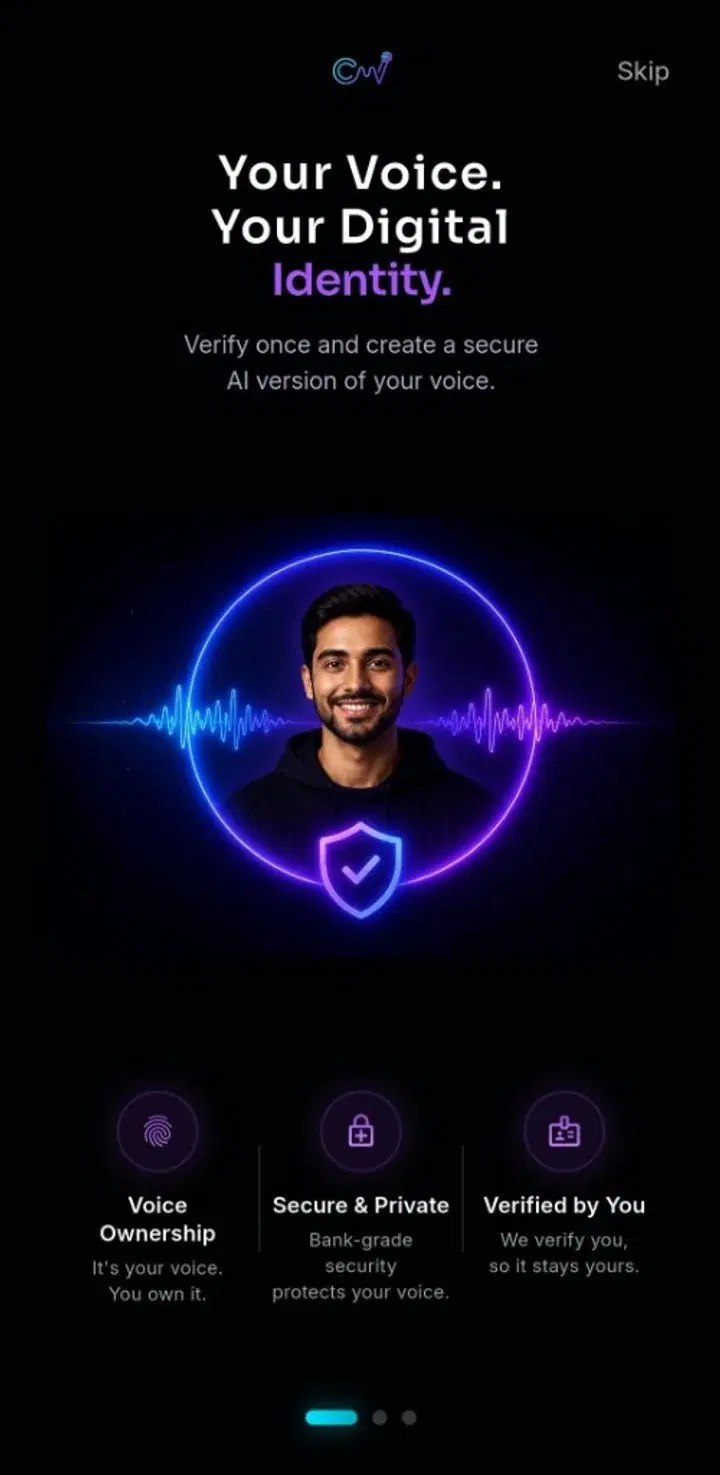
Create your AI voice once and turn scripts into natural voiceovers for videos, Shorts, Reels and more.
 CloneVox
Raw Footage.
Instant 3D Hook FX.
Add kinetic 3D hooks, subject depth sandwiches, and director camera framing in 1 tap without keyframes.
LOOK AT THIS ↗
Screenshots
Come Alive.
Turn screenshots into animated stickers and short videos in seconds. Perfect for tutorials, social posts, and presentations.
Have an Idea?
Make It Move.
Turn screenshots, images and ideas into engaging motion videos directly in your browser. No complicated timeline. No expensive software.
into Amazing
Videos
Everything You Need to Know
About Screenshot Studio.
READY TO
MAKE SOMETHING MOVE?
Drop your screenshot. Pick an Apple-caliber story recipe. Export smooth video in seconds.